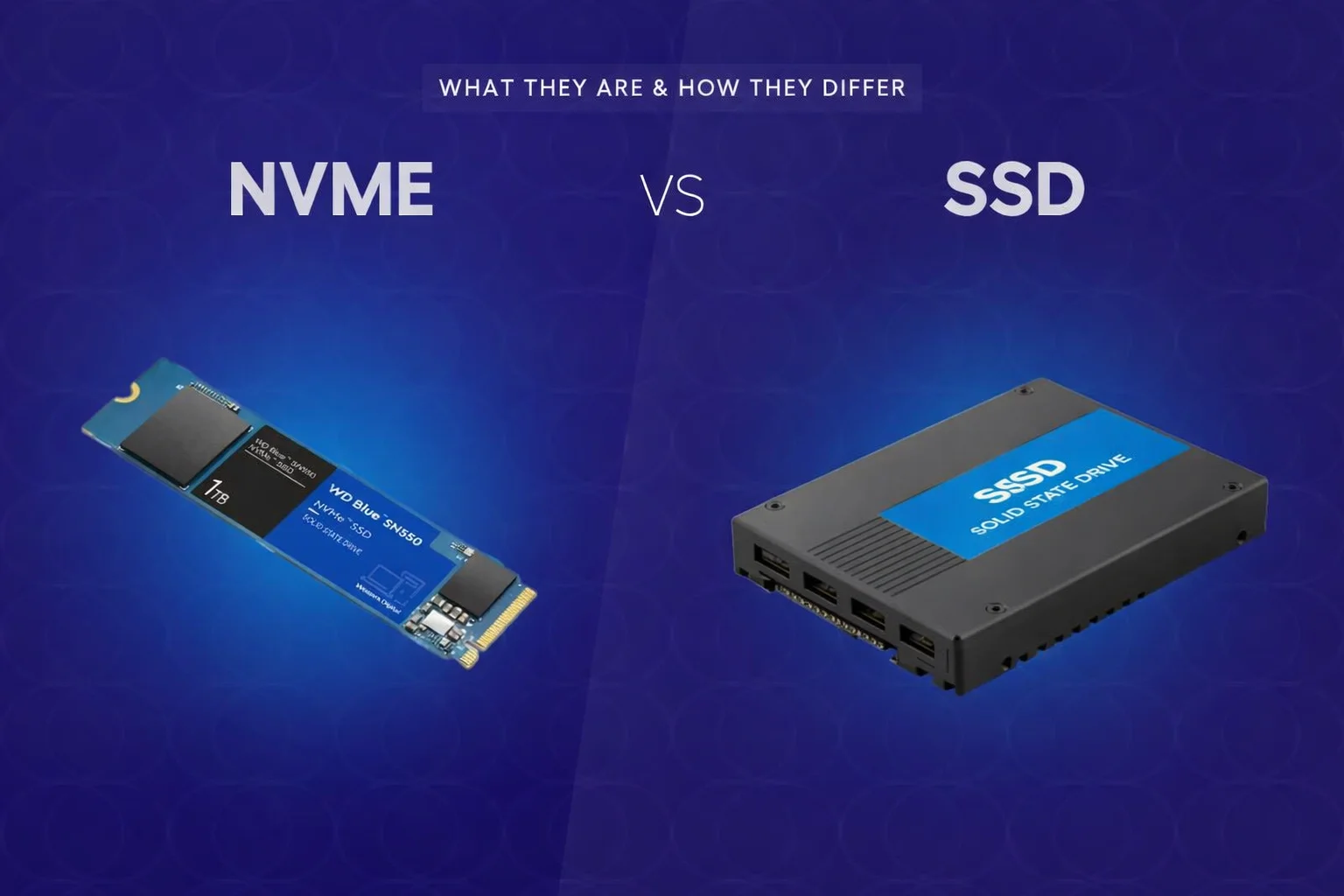
“SSD” is a broad category, not a single technology. The two most common options are SATA SSDs and NVMe SSDs. Both deliver a major upgrade over HDDs, but NVMe stands out in latency and parallel I/O—especially under sustained or concurrent workloads.
The core difference: interface and protocol
-
SATA SSD connects via SATA, an older interface originally designed for hard drives. It imposes a practical ceiling on throughput and command handling.
-
NVMe SSD connects via PCIe and uses the NVMe protocol, built specifically for flash storage: lower latency, deeper queues, and better multi-thread scaling.
Performance: where NVMe shines
Benchmark numbers matter less than real workflows. NVMe typically delivers:
-
faster large file operations and project loads;
-
higher responsiveness in workloads dominated by many small reads/writes;
-
better performance under concurrency (virtual machines, containers, CI pipelines, logging, caching).
A SATA SSD still feels “fast” compared to HDD, but it can bottleneck sooner when I/O becomes heavy and parallel.
When the difference is small
For light everyday use—web, office apps, basic multitasking—a SATA SSD already captures most of the perceived improvement. NVMe may be faster, but not always dramatically, because the limiting factor can shift to CPU, memory, or network.
Endurance, reliability, and thermals
Drive longevity is driven by the specific model: NAND type (TLC/QLC), controller quality, DRAM presence, and TBW rating. NVMe drives often run hotter; under high temperature they may throttle and reduce speed. For performance consistency, cooling and quality hardware matter.
Price and value
SATA SSDs usually offer a lower cost per GB, making them attractive for capacity-focused builds. NVMe is worth it when time and latency matter: databases, high-traffic services, virtualization hosts, and heavy development pipelines.
What to choose
-
Home PC / laptop: choose NVMe if the price difference is small; SATA SSD remains a solid budget option.
-
Development, content creation, large datasets: NVMe.
-
Servers, VPS nodes, databases, high IOPS workloads: NVMe (prefer higher endurance models and adequate cooling).
-
Backups / cold storage: SATA SSD or HDD depending on cost and performance needs.
FAQ
Is NVMe still an SSD? Yes—NVMe SSD is simply an SSD using the NVMe protocol over PCIe.
Should I pay extra for NVMe? If you run concurrent I/O or heavy workflows, yes. For basic usage, SATA SSD is often enough.
What specs matter most? TBW/endurance, NAND type, controller quality, warranty, and sustained performance behavior.