Short table of contents:
-
TLS in plain English
-
What TLS protects (and what it doesn’t)
-
TLS handshake explained
-
Certificates and PKI trust model
-
TLS 1.2 vs TLS 1.3
-
SNI, ALPN, HSTS, OCSP stapling
-
Common configuration mistakes
-
Secure HTTPS checklist
TLS Explained: How It Works and Why It Matters
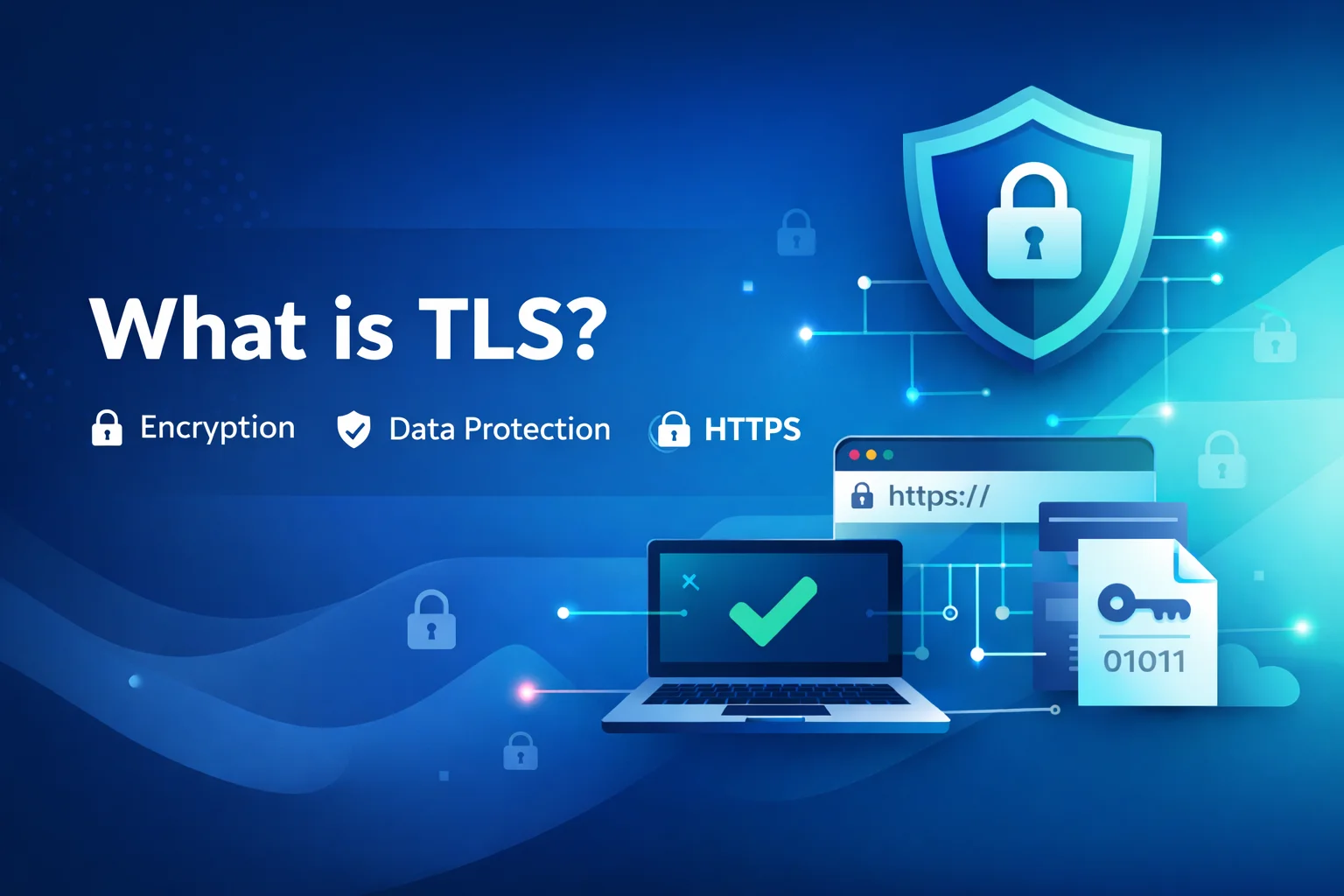
TLS (Transport Layer Security) is the protocol behind HTTPS. It creates a secure channel between a client (browser/app) and your server, ensuring data is encrypted, tamper-resistant, and delivered from an authenticated endpoint. In modern web infrastructure, TLS is not optional—it’s the baseline for privacy, trust, and safe user sessions.
1) What TLS protects you from
TLS provides three core security properties:
Confidentiality:
Traffic is encrypted so network observers can’t read passwords, session tokens, forms, or payment-related data.
Integrity:
TLS detects tampering. If someone tries to modify responses in transit (inject scripts, replace files, alter payment details), the connection fails or the data is rejected.
Authentication:
Certificates prove that the server you reached is authorized for the domain you requested—reducing man-in-the-middle risks.
What TLS does not solve
TLS does not fix application vulnerabilities. SQL injection, XSS, weak admin credentials, vulnerable plugins, or server-side misconfigurations remain exploitable even with HTTPS. TLS secures the transport; your app and server still need hardening.
2) How the TLS handshake works
The handshake is the negotiation phase where client and server agree on protocol and cryptographic parameters:
-
ClientHello: supported TLS versions, cipher suites, random values, and extensions.
-
ServerHello: chosen version and cipher suite, plus server parameters and certificate.
-
Certificate validation: the client checks domain match, expiration, and trust chain.
-
Key agreement: both sides establish a shared session key (commonly via (EC)DHE).
-
Encrypted session: HTTP traffic flows inside TLS using fast symmetric encryption.
TLS 1.3 reduces round trips and removes legacy mechanisms, improving speed and security.
3) Certificates and the PKI trust chain
A certificate binds a public key to a domain. A Certificate Authority (CA) signs it, and browsers trust a set of CA roots. That’s how the browser decides whether to show a safe lock icon or a warning.
In practice:
-
DV certificates validate domain control and fit most websites.
-
OV/EV add organization verification (useful for compliance), but not stronger encryption.
-
Wildcard covers subdomains; SAN covers multiple domains.
4) TLS 1.2 vs TLS 1.3
TLS 1.3 typically offers:
-
faster handshakes and better performance on high-latency networks;
-
modern cryptography by default;
-
fewer risky legacy options.
TLS 1.2 can be secure when configured properly, but requires careful cipher suite selection and legacy avoidance.
5) Key related features
-
SNI: multiple HTTPS sites on a single IP with correct certificate selection.
-
ALPN: negotiates HTTP/2 and other protocols over TLS.
-
HSTS: forces HTTPS for future visits, reducing downgrade risks.
-
OCSP stapling: improves certificate status checks and reduces external dependency.
6) Common TLS misconfigurations
-
Allowing TLS 1.0/1.1.
-
Weak or outdated cipher suites.
-
Incorrect certificate chain.
-
Mixed content (HTTPS page loading HTTP assets).
-
Redirect loops between http/https and www/non-www.
-
Expired certificates due to missing automation.
7) Secure HTTPS checklist
-
Enable TLS 1.3 and TLS 1.2; disable older protocols.
-
Use modern cipher suites with forward secrecy.
-
Automate certificate renewals and monitor expiration.
-
Enable HSTS after verifying stable HTTPS behavior.
-
Fix mixed content across templates and assets.
-
Re-check configuration after server updates.