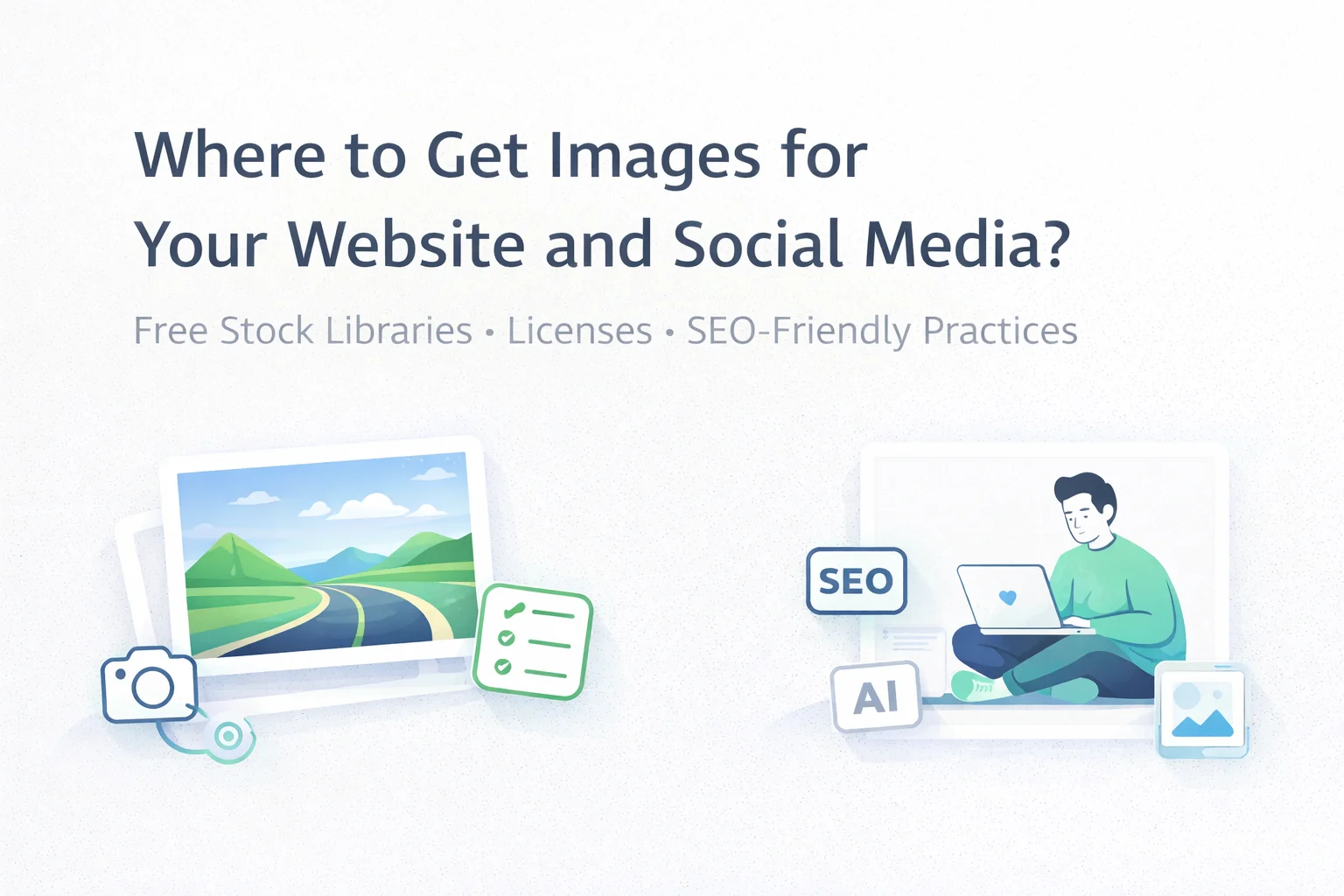
At some point every website hits the same wall: the copy is ready, the layout looks fine, but the page still feels flat. Visuals fix that instantly—one image can communicate mood, context, and intent faster than a paragraph. The problem is that custom photography is not always realistic: time, equipment, lighting, editing, and budgets don’t magically appear just because you’re publishing content. That’s why free stock libraries are a daily tool for bloggers, marketers, and product teams. The only catch is that “free to download” does not automatically mean “free to use however you want.”
A good workflow starts with a simple habit: before you use an image, read the license attached to that specific file. Many platforms display it right on the asset page, with the full terms linked nearby. For most commercial use cases, CC0 is the easiest option: you can use the media commercially, edit it, and typically you’re not required to credit the author. CC BY is stricter—attribution is required. And licenses like CC BY-NC-ND can block commercial use and forbid modifications, which makes them risky for business assets.

Another common misconception is thinking you can “download free images and resell them.” In practice, stock platforms usually grant a license to use the work; they do not transfer copyright ownership. So using an image in an article, landing page, or social post is one thing—packaging it as a standalone product for sale is a different story and often a violation.
Photos that include recognizable people deserve extra attention. In many editorial contexts they’re fine, but for advertising or sensitive topics you should be careful that the image doesn’t imply endorsement. That’s where model releases matter—documentation that the person agreed to commercial use of their likeness.
And then there’s the issue that quietly harms both UX and SEO: file size. It’s easy to grab a gorgeous 5–10 MB photo, paste it into a post, and unknowingly slow down the page. A healthier routine is: download, resize, compress, and—if possible—convert to a modern web format like WebP before publishing.
So where do you actually find good visuals without paying? A classic “works for almost anything” option is Pixabay. It’s not just photos: you’ll find illustrations, vectors, video, and other media types; images are often available in multiple sizes, and some workflows are smoother because you can jump into Canva for quick edits (cropping, background removal, social templates).
If you want high-resolution photography with a more “premium” feel, Life of Pix is worth bookmarking. It leans into professional shots and curated aesthetics, often grouped by themes such as cities, nature, textures, and workspaces. The trade-off is that downloads can be large, so optimization is usually required before web use.
For business-friendly images—think e-commerce, product storytelling, and marketing pages—Burst by Shopify is a practical choice. It was built with small businesses in mind, offering themed collections and, in many cases, a convenient choice between low and high resolution versions so you can match speed requirements without extra work.
If your focus is social media and you care about a coherent visual style, Kaboompics stands out. It offers many photo sessions where multiple images share the same mood and lighting, which makes your feed look consistent. It’s important to notice license differences: a standard license can allow commercial use, while an editorial-only license can restrict usage in ads, packaging, or branding.
Finally, Startup Stock Photos is a smaller but handy niche resource for startup, office, and tech-themed imagery. Smaller libraries can be surprisingly valuable because they often contain fewer “overused” visuals than huge mainstream collections.
The last question is always the same: stock photos, AI images, or your own? The most realistic answer is to combine them. Use your own photos and screenshots where trust and authenticity matter—product pages, team stories, case studies. Use AI when you need unusual visuals, but keep in mind it requires prompt skills and the legal comfort level may vary. Use free stock libraries to scale content quickly, fill gaps, and keep production moving without a dedicated photo budget.