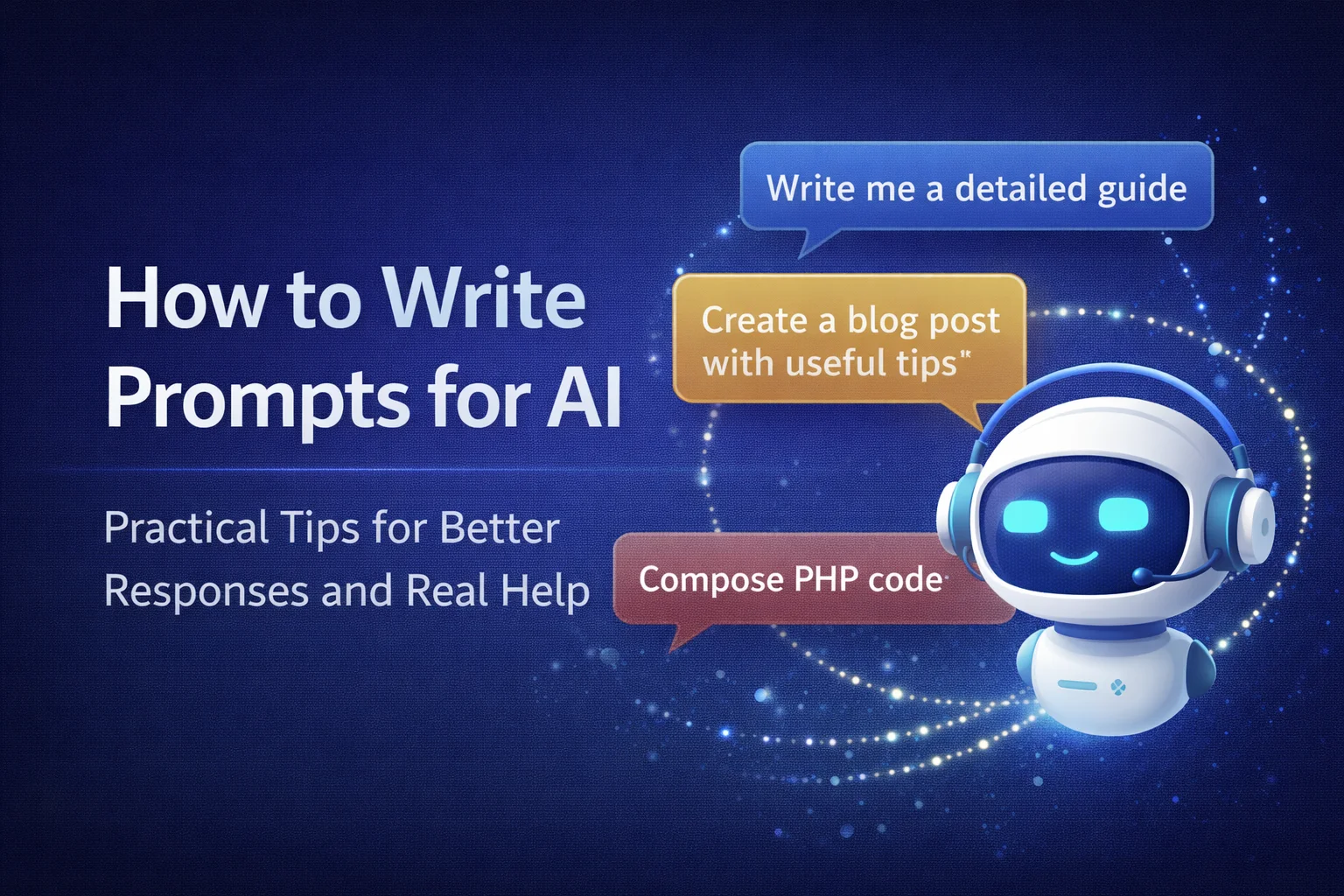
How to write useful AI prompts
To be honest, most frustrations with AI aren't because it's "bad" or "stupid". And because we communicate with him as if he has to understand us from half a word. Like: "Write an article about SEO", "Make a sales strategy", "Explain Kubernetes".
Sometimes he really guesses. But more often what comes out is exactly what should come out with such a request: a general text, as if from a manual. Not because the AI is cranky, but because you've opened the door too wide for it. He came in and brought the most versatile thing he could.
A prompt is not a magic phrase. In essence, this is a problem statement. As for an employee, contractor or colleague. The more precisely you explain what exactly is needed, the fewer there will be "empty" paragraphs and the more real result.

Why "make it beautiful" almost never works
Imagine that you write to the designer: "Make the banner beautiful." Of course he will do something. But handsome for whom? For which brand? For what audience? What style do you like - minimalism or "expensive-a lot"? What language should the text be in?
It's exactly the same story with AI. When you write "do cool," it chooses the safest style—neutral, generalized, risk-free. And then you look at it and think: "Well, as if it's right... but it doesn't stick."
For AI to meet your expectations, it needs guidelines: for whom, why, what tone, what format, what prohibitions. It's not a complication, it's a time saver. Both yours and his.
Before analyzing tips for writing prompts, it is useful to get your head in order: what are AI prompts in general and how do they differ. Some queries are needed to quickly get a clear answer to a question. Others help to "tighten up" an opinion that you did not have time to properly formulate. The third ones are great when you need to compare services, choose a tariff or figure out what is best for your project.
Below are the most practical types of prompts that most often really help in work.
Informative
These are classic "explain/tell/what is..." requests. They're good for when you need a quick definition, an explanation in simple terms, or a more detailed answer—without diving into documentation and long articles.
Examples:
"Explain what hosting is in simple terms for a person who is creating a website for the first time"
or
"I want to create my website, but I don't understand anything at all. Heard about CMS. Briefly tell what it is and why it is needed."
Analytical or comparative
These prompts are needed when you are choosing between options and want to understand the difference based on specific criteria: price, speed, security, convenience, scalability. Here it is important not to limit yourself to the phrase "compare A and B", but to immediately clarify: what are we comparing and in what form do you want the answer — table, list, conclusion.
Example:
"I plan to create a large marketplace of online courses. I found a hosting provider, but I don't know what to choose. Compare virtual hosting and VPS for the marketplace. Make a table with pros and cons according to the criteria: price, scalability, security, ease of administration. At the end - a short recommendation, what to take at the start and what to choose during growth".
Creative
When you need ideas rather than a "correct" answer, this type of prompt works best. It helps to come up with names, slogans, topics for content, concepts, texts for "About Us", advertising scripts. The main thing is to give the AI guidelines: purpose, audience, style and restrictions (language, length, words that cannot be used).
Example:
"Come up with 5 creative names for a Ukrainian online store that sells farm cheeses from the Carpathians. The audience is city dwellers who appreciate local products. The style is warm, atmospheric, with a touch of Ukrainian identity, without anglicisms."
Step-by-step
Needed when you want to get not a "general explanation", but a clear instruction: what to do first, what to do next, what is important not to forget. Such prompts are great for setting up services, launching projects, and technical tasks. In order for the result to be useful, specify: for whom the instruction is (newbie/experienced), format (paragraphs or numbered list) and how detailed to write.
Example:
"Describe step by step how to create a simple business card site on WordPress for a freelancer. Focus on the beginner. The format is a numbered list of up to 8 steps, without too much theory. At the end, what to check before publishing."
Summary
One of the most useful prompt types because it saves time. It helps to compress a large text, highlight the main points, gather conclusions, prepare a short report or theses for a presentation. It is especially convenient when you have found an article or document, but want to understand the "gist" in a minute.
Example:
"Shorten this text to 3 abstracts for an internal report. Conclusions should be short, to the point, without emotion. Text: [insert text]".
Role players
Role prompts enable the "as if you are talking to a specific specialist" mode: marketer, lawyer, teacher, SEO specialist, editor, team leader. This helps the AI to select the correct terminology, tone and logic of the answer. Such requests are especially popular for learning (for example, English), but they are also very powerful in work - if you clearly define the role and task.
Example:
"Imagine that you are a marketer of a Ukrainian online clothing store in the style of modern casual. Write SEO text for the category "Men's summer shoes". The goal is to attract men aged 25-35. The tone is light and energetic, with a sense of freedom of movement and style. Up to 120 words".
Each of these types of prompts can be used for a wide variety of tasks — and you don't have to have access to the most expensive AI services at all. Even the free versions of the tools are often great for idea generation, text drafting, explanation, analysis, learning, and basic code tasks.
And an important point: prompt types do not need to be perceived as "strict categories". In practice, it is convenient to mix them. For example, start with an information request, then ask for a comparative analysis, and at the end - a summary conclusion or checklist. This way you get a result faster and better than if you try to "cram everything" into one phrase.
AI works better when you give it a role
There is a popular technique: "You are an expert", "You are a marketer", "You are a lawyer". It really helps, but only if you don't let everything go by itself.
For example: "You are an SEO specialist. Write an article." It's better than just "write an article", but it's still not enough. It normally works like this:
-
who is the target audience (newbies/pros/business owners),
-
what is the purpose of the text (traffic/sales/education),
-
what style is needed (lively/strict/conversational),
-
what to remember and what to avoid.
And this already gives an answer that can be published, and not rewritten from scratch.
Context is fuel
There are two extremes. First, there is no context at all. The second is that you copy the AI all in a row: excerpts of articles, opinions, links, screenshots, "figure it out". As a result, he answers for a long time, but not to that point - because he did not understand what is most important to you.
A simple principle works best: first briefly explain what you do and what you want to achieve, and then add 2-3 details that really affect the result.
For example, if you need text for a hosting blog, this changes the presentation a lot: important examples, "who to choose what" scenarios, a slightly more confident tone and a neat call to action. If this is an article for a personal blog, the style will be different.
If this is SEO material, it is important to say right away: whether you need Title/Description, whether you need H2/H3, whether you need a FAQ, whether you need internal links and which ones. And definitely - what not to do (for example, not to insert links to sources, as you asked).
Answer format is half the success
A very common situation: the AI wrote a seemingly normal text, but it "doesn't fit" in your task. You asked for an article - he gave a set of theses. You wanted a human style - he issued "one-sentence paragraphs".
Therefore, it is better to specify the format directly. For example:
-
"Make it like an article, not a list"
-
"Less numbering, more coherent presentation"
-
"Add a comparison table, but do not convert the text into a tabular report"
-
"At the end, make a conclusion and a soft CTA"
-
"Style: how a person writes, with examples, without clericalism and clichés"
Yes, it sounds like TK. And that's normal. This is how AI starts to fall into expectations.
The most useful thing is to ask not for the "perfect text", but for a draft + revisions
To be honest: expecting the first message to be perfect is not the best strategy. It is much faster to work in iterations. But not in the way that many people do ("do it again, I don't like it"), but concretely.
Good approach:
-
request structure and short theses,
-
choose direction,
-
ask to deploy in the desired style,
-
then "tighten up" several places: introduction, conclusion, examples.
AI does well if you give specific instructions: what to fix. For example:
-
"The introduction is too formal - make it simpler and livelier"
-
"Remove school definitions, add practice and examples"
-
"Too many general words - give more specifics for the site owner"
-
"I don't make points on 1 line - let the text flow"
A few examples: how the same thing can be asked in different ways
Bad prompt:
"Write an article about QUIC".
Normal prompt:
Write an article for your hosting provider's blog about QUIC/HTTP3 in 2025. The language is Ukrainian. The volume is 9–12 thousand characters. The style is lively, as a person writes, without dry points and stationery. Structure: Title, Description, summary, then text with H2/H3. Explain where QUIC really benefits (mobile networks, packet loss), and where TCP will be needed for a long time. At the end - a soft CTA and a link to VPS/DEDICATED".
The difference in the result is usually huge, although the request is "essentially" the same.
Another practical example:
Bad prompt:
"Make me a site promotion plan."
Better:
"Make a plan to promote a new hosting for 3 months. The goal is organics and the first leads. Give: site structure, blog headings, 20 article topics, priorities, an example of internal linking and 10 quick site improvements. The tone is business. Do not go into theory, write as a practitioner."
AI immediately understands what you want. Not "a plan at all", but a plan that can be taken and done.
Several ready-made "skeleton" prompts that save time
In order not to invent from scratch every time, it is convenient to keep 2-3 blanks.
For a blog article (live style):
"You are a technical writer. Write an article for the blog on the topic: ____. Language: Ukrainian. Volume: __ characters. Style: lively, as a person writes, without dry points. Structure: Title, Description, content, then H2/H3, conclusion. Mandatory: ____. Prohibited: references to sources, stationery, paragraphs in one sentence. Add a link: __."
For a guide:
"Write a practical guide: ____. Audience: __. Explain in simple words and give examples. Add the block "frequent errors" and "how to check that everything works". Do not turn the text into a list."
For the code:
"See the code below. Refactoring is required without changing the logic. Version: ____. Give: problems, improvements, final code, short comments in English."