How to install a site based on Laravel
Installation is done using composer. The domain used as an example isexample.comand the site user isuser.
Creating a project
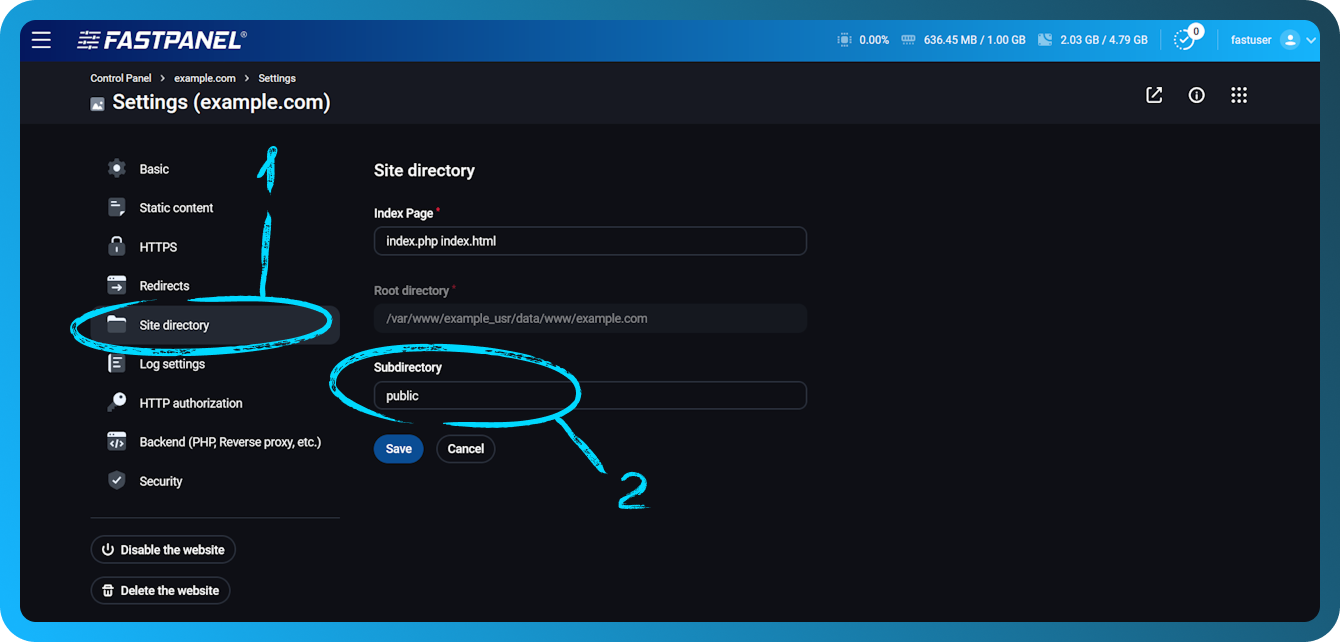
Create a website in FASTPANEL® and specify a public subdirectory in site settings under "Site directory".
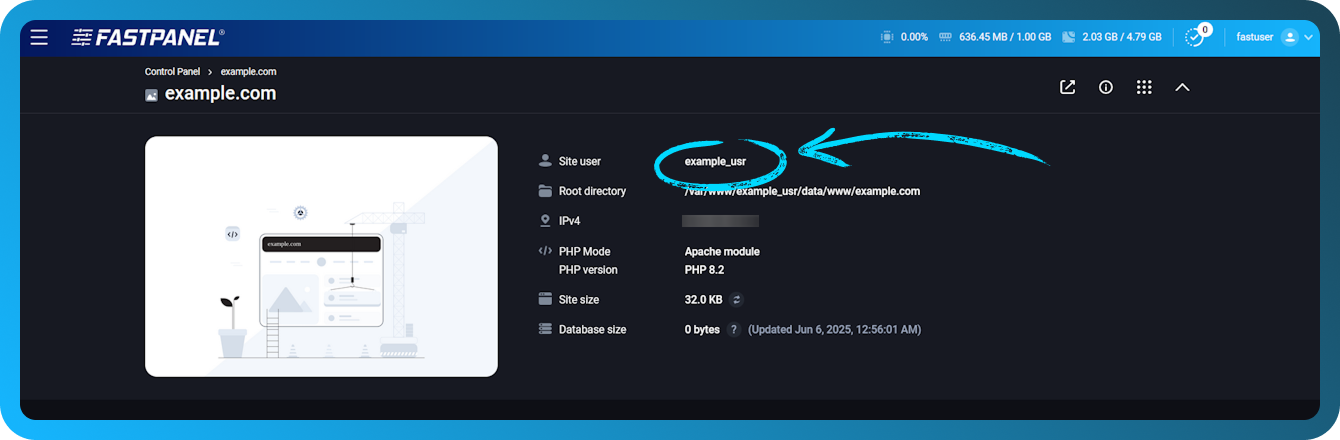
To create a project, you need to connect to the server via SSH, using the data of the site owner. The site owner is displayed in the site card in FASTPANEL.
After establishing an SSH connection, you should clear the site directory using the following example command (replace example.com with your site name):
rm -rf /var/www/user/data/www/example.com/*
Then go to the site directory
cd /var/www/user/data/www/example.com
And create a project
composer create-project laravel/laravel ./
Installing a specific version of Laravel
To install a certain version, when creating the project, you must specify the version at the end of the command in quotes
composer create-project laravel/laravel ./ "5.8.*"
Database connection
- For artisan, specify database connection details in .env file in site directory
- For the site, specify data to connect to the database in the file
./config/database.php
To edit the .env file, you can use a text editor callednano via SSH:
nano .env
Example .env:
DB_CONNECTION=mysql
DB_HOST=localhost
DB_PORT=3306
DB_DATABASE=site_db
DB_USERNAME=db_user
DB_PASSWORD=0j9vd3qATwTsXW7C
To edit the./config/database.phpfile via SSH:
nano ./config/database.php
Example ./config/database.php
 'mysql' => [
 'driver' => 'mysql',
 'url' => env('DATABASE_URL'),
 theme-code-block-highlighted-line"> 'host' => env('DB_HOST', 'localhost'),
 'port' => env('DB_PORT', '3306'),
 class="token plain"> 'database' => env('DB_DATABASE', 'site_db'),
 'username' => env('DB_USERNAME', 'db_user'),
 'password' => env('DB_PASSWORD', '0j9vd3qATwTsXW7C'),
 'unix_socket' => env('DB_SOCKET', ''),
 'charset' => 'utf8mb4',
 'collation' => 'utf8mb4_unicode_ci',
 'prefix' => '',
 'prefix_indexes' => true,
 plain"> 'strict' => true,
 'engine' => null,
 'options' => extension_loaded('pdo_mysql') ? array_filter([
 PDO::MYSQL_ATTR_SSL_CA => env('MYSQL_ATTR_SSL_CA'),
 ]) : [],
 ]) plain"> ],
In the nano editor, Ctrl+O is used to save changes, and Ctrl+X to exit the editor.
Using Artisan on a non-system version of PHP
To use artisan on a non-system version of PHP, you must specify the full path to the executable file. An example of using an alternative version of PHP 8.2:
/opt/php82/bin/php artisan list
Basic commands
The commands should be executed in the root directory of your project (example.com in this example)
cd /var/www/user/data/www/example.com
To see a list of all available Artisan commands, you can use the command
php artisan list
Start the local Laravel development server. You can specify the keys --host and .--port
php artisan servephp artisan migrate--redirect=/to define a page for maintenance modephp artisan downphp artisan up